Search any image.
Find the source.
A precise, system-native reverse image search. One tap, four engines, zero noise. Built for collectors, designers, and the relentlessly curious.
Built for precision.
Reverse Search
Drop any image, screenshot, or photo. Get matches in under a second.
01Four Engines
Google Lens, SauceNAO, TinEye, and Yandex — switch with a floating monospace toggle.
02Visual History
List-based archive grouped by date with high-contrast thumbnails.
03Native Speed
WKWebView-integrated results render instantly without leaving the app.
04Privacy First
Images auto-delete from our temporary host after 10 minutes. No accounts, no tracking.
05Always Helpful
Sticky help icon on every screen. No tutorials, no friction.
06One app. Four ways to find the sauce.
Broad visual matches across the open web.
Anime, art, and illustration source detection.
Pixel-precise duplicate and crop matching.
Powerful similarity search, strong on faces and places.
Every pixel, on purpose.
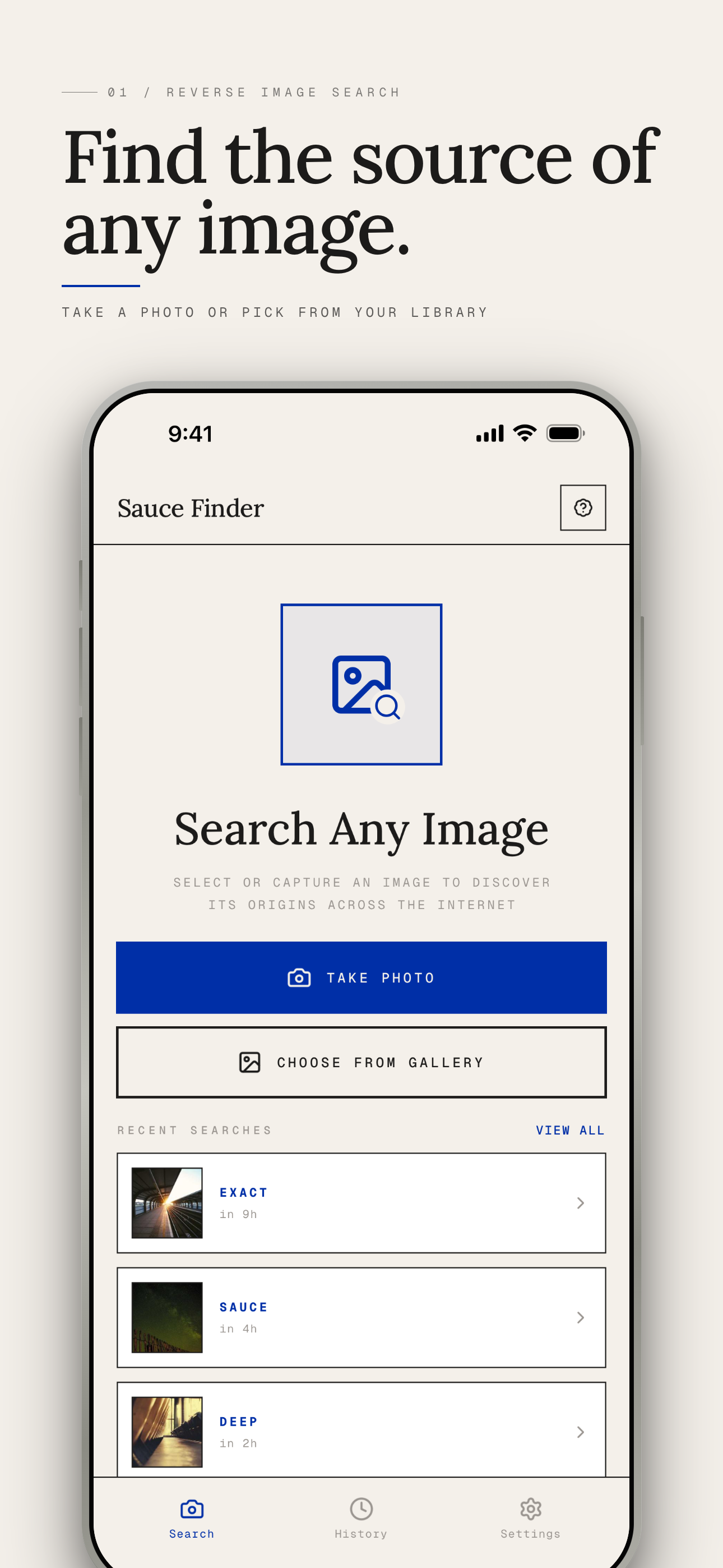
Drop any image, find the source.
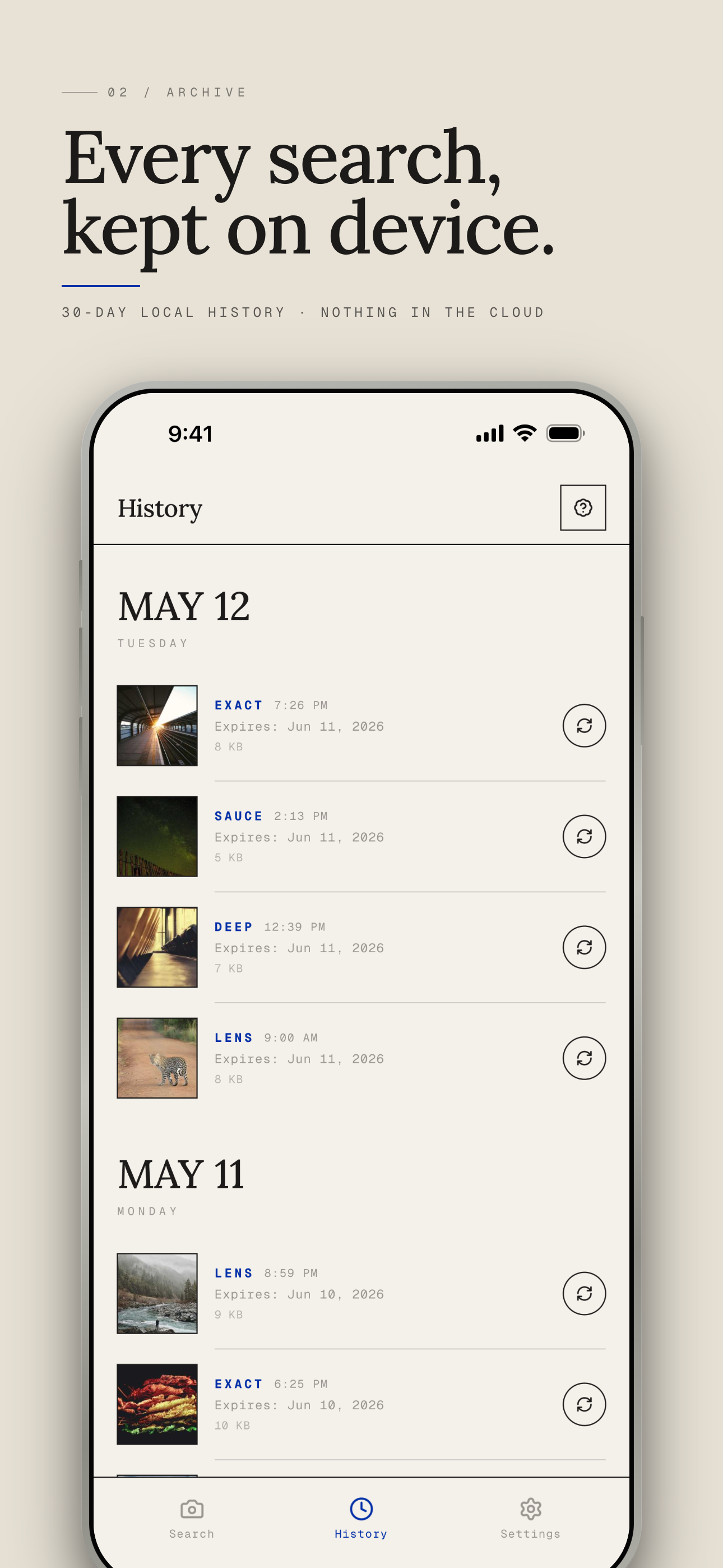
Every search, neatly archived.
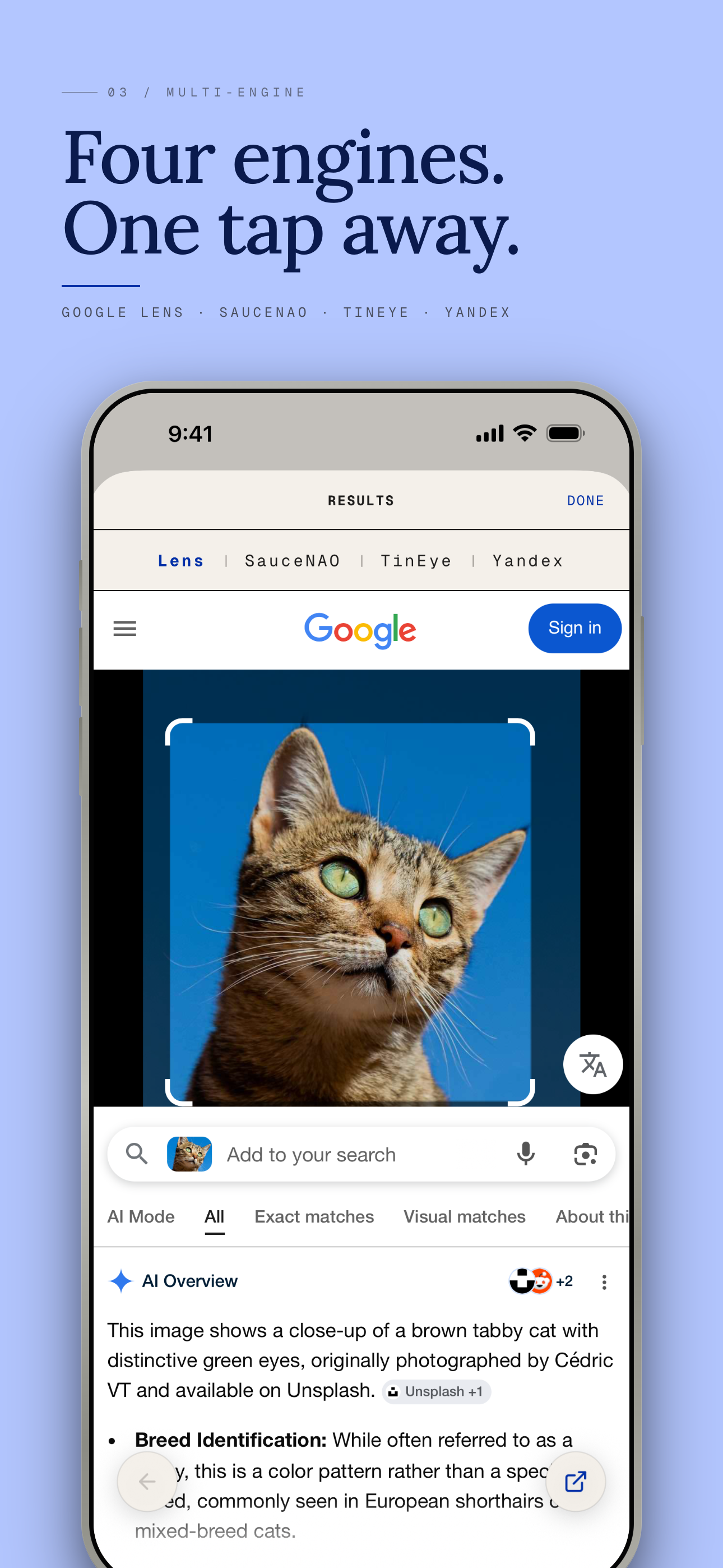
Switch engines in one tap.
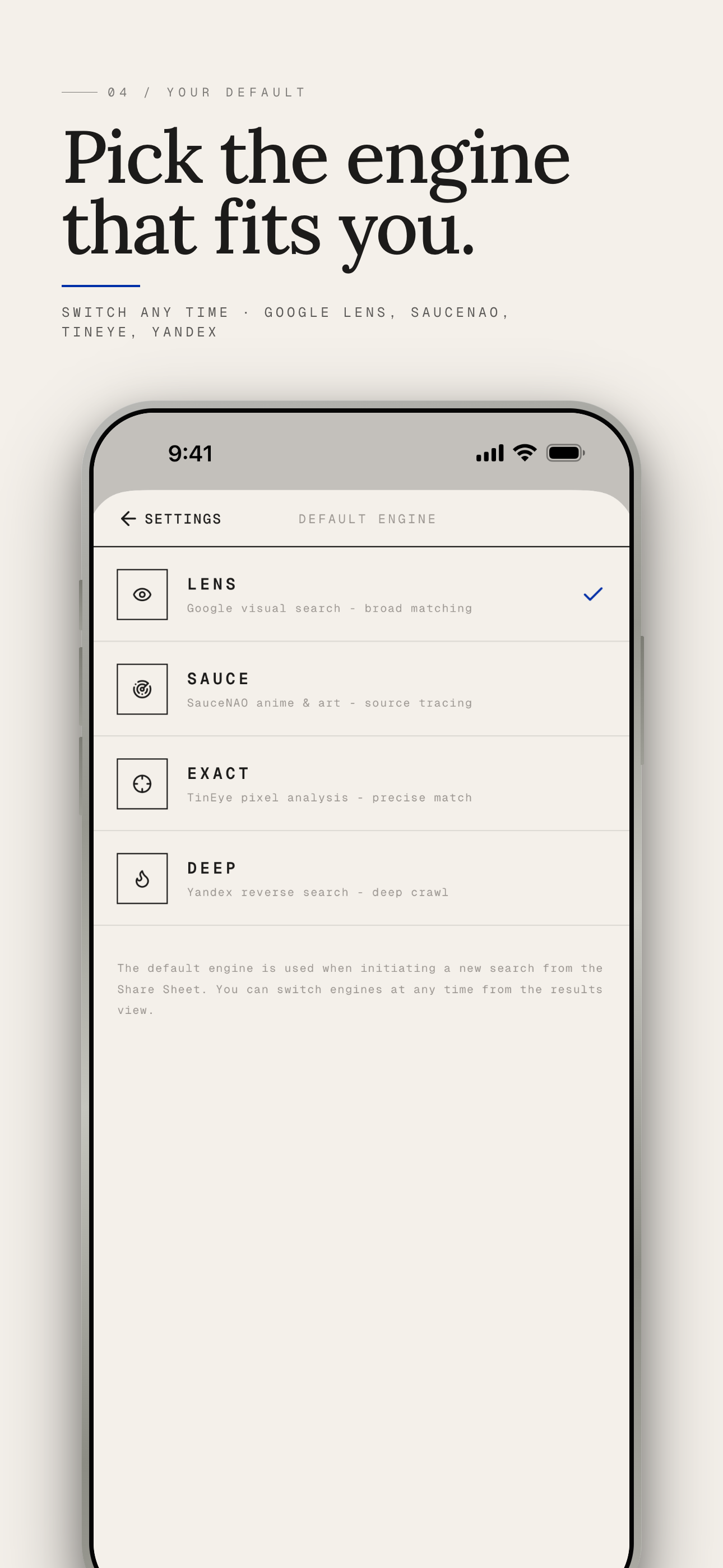
Set your preferred starting point.
Free to start. Premium when you need it.
- All 4 search engines
- Choose default engine
- Search history saved
- Zero ads
- All 4 search engines
- Choose default engine
- Search history saved
- Zero ads
- Lifetime updates
Questions, answered.
Which iOS version is supported?
iOS 16.2 and above. Optimized for iPhone and iPad with native multitasking.
Does it work on Android?
Not yet. We are crafting the iOS experience first to keep it precise.
Are my images uploaded?
Only the image you actively search. It is uploaded to our image hosting server and auto-deleted after 10 minutes. The rest of your library never leaves your device.
Can I cancel premium anytime?
Yes — managed through your Apple ID subscriptions. No hidden fees.